Stay Safe Online: 10 Smart Internet Habits Every Boomer Should Know

There is something quietly amazing about the internet. It lets you reconnect with old friends, watch your grandchildren grow through photos and videos, pay your bills without leaving the house, and learn just about anything with a few clicks. For many people, especially those who did not grow up with it, the internet feels like a powerful tool that opened doors later in life.
But here is the part no one really warns you about. The same space that makes life easier also attracts people who want to take advantage of others. Scammers are not always obvious anymore. They are patient, creative, and often convincing. They know how to sound friendly, urgent, or even official. And unfortunately, they often target people who are simply trying to use technology in a normal way.
The good news is that staying safe online does not require you to become a tech expert. You just need a handful of practical habits and a mindset that says, “I will slow down and think before I click.” Once you build that awareness, everything becomes much easier to navigate.
Let us walk through ten simple, realistic tips that can help you stay confident and secure online.
1. Never Give Out Personal Information Without Double-Checking
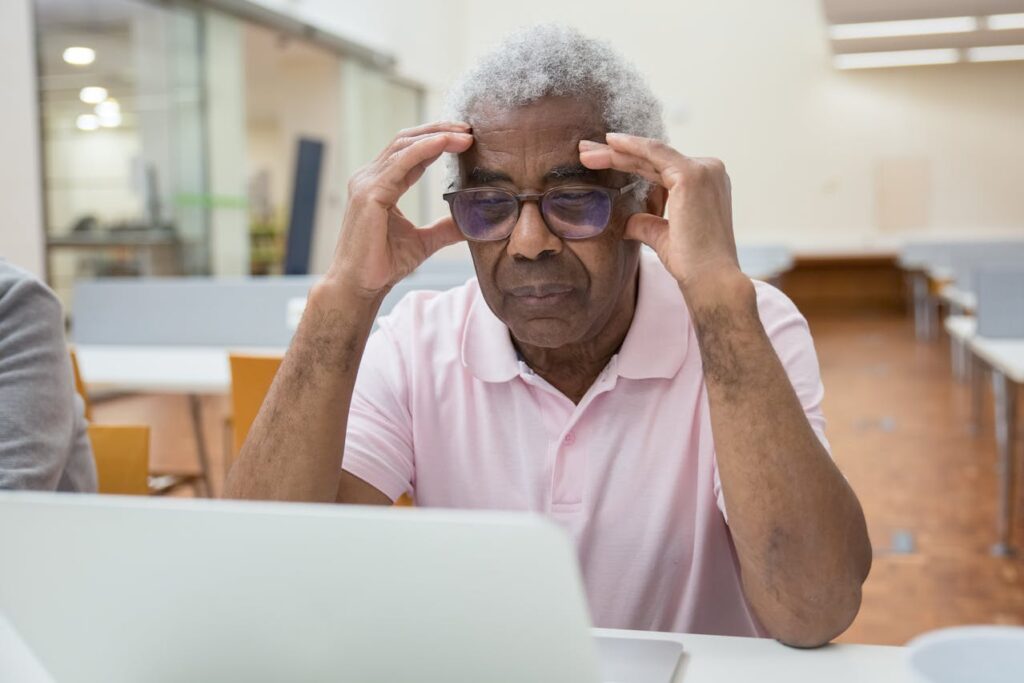
It might seem harmless at first. An email asks you to confirm your account details, or a message says there is a problem with your bank. It looks official, maybe even uses a familiar logo. Before you know it, you are being asked for personal information like your Social Security number, address, or banking details. This is one of the most common ways scammers operate. They rely on trust and urgency. The safest habit you can build is to pause. Do not reply right away. Instead, go directly to the company’s official website or call their verified phone number. Real organizations do not pressure you to send sensitive information through email or text. Taking that extra step can save you from a very real problem.
2. Create Strong Passwords and Stop Reusing Them

It is completely understandable to want simple passwords that are easy to remember. The problem is that simple passwords are also easy for hackers to guess. A strong password should be long and include a mix of letters, numbers, and symbols. More importantly, each account should have its own password. If one account is compromised, the rest stay safe. Think of it like using different keys for your house, your car, and your office. You would not want one key to open everything. If remembering multiple passwords feels overwhelming, a password manager can quietly handle that job for you in the background.
3. Be Cautious With Unexpected Emails, Texts, and Calls
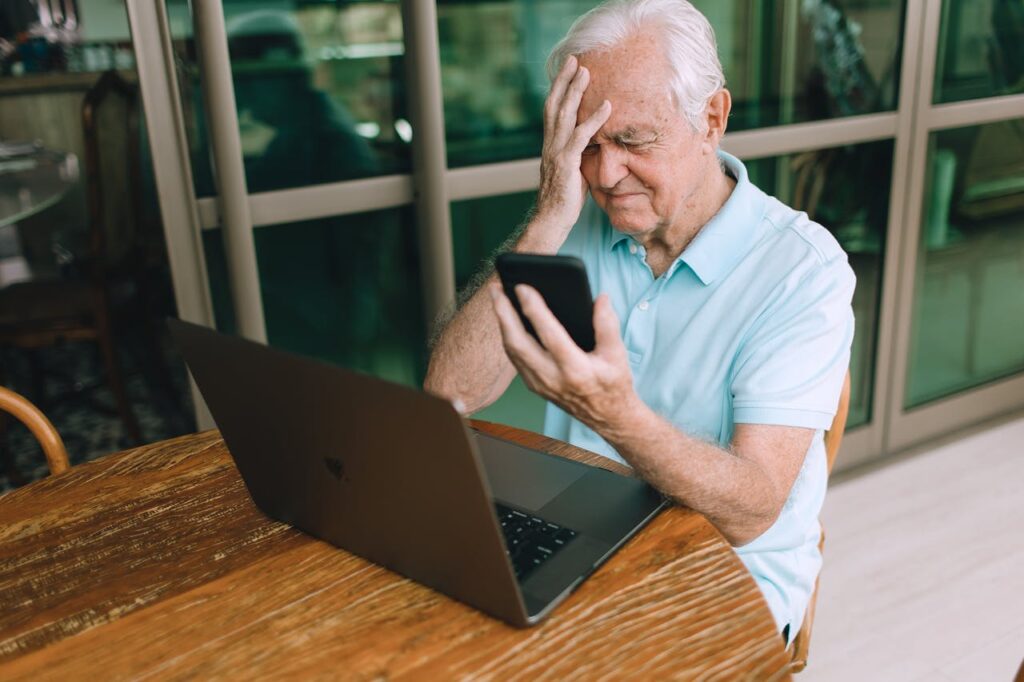
You might receive a message saying you won a prize, or that your account has been locked, or that you owe money immediately. These messages are designed to trigger emotion. Excitement, fear, or urgency can make anyone act quickly. That is exactly what scammers are counting on. Before you click any link or respond, take a closer look. Check the sender’s email address carefully. Does it look slightly off or unfamiliar? Does the message push you to act immediately? If so, that is a red flag. When in doubt, ignore the message and reach out to the company directly using contact information you trust.
4. Keep Your Devices Updated, Even When It Is Annoying
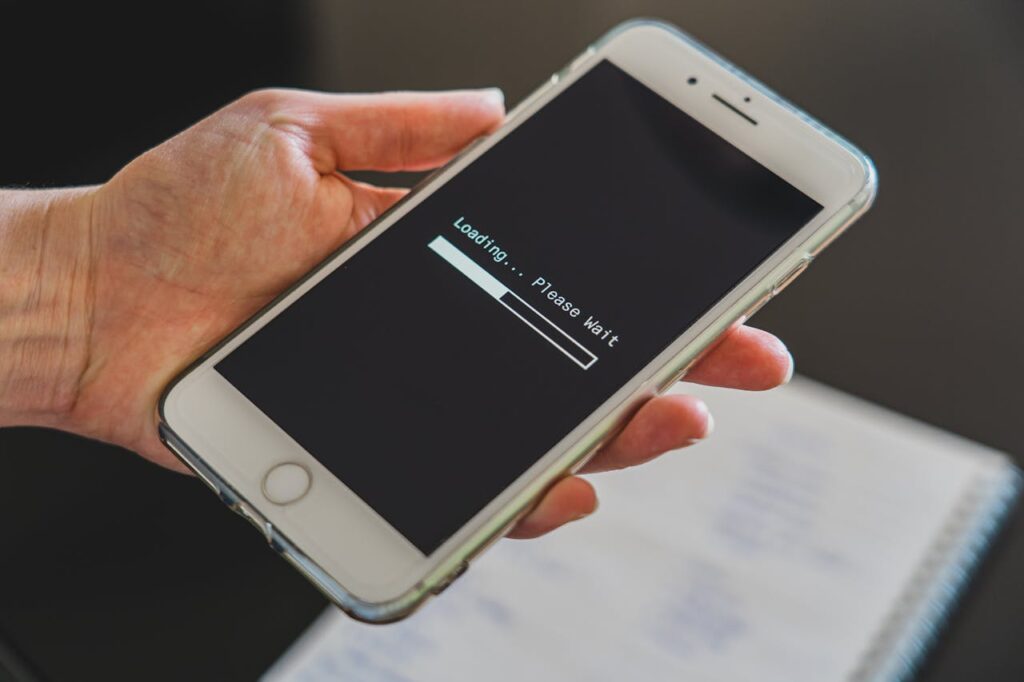
Those update notifications always seem to pop up at the worst possible time. It is tempting to click “remind me later” again and again. But those updates are not just about new features or design changes. Many of them fix security issues that hackers already know about. Skipping updates leaves your device more exposed. Think of updates as routine maintenance, like servicing your car or locking your doors at night. It might not feel urgent, but it keeps everything running safely in the long run.
5. Think Twice Before Trusting Big Discounts and Flash Deals
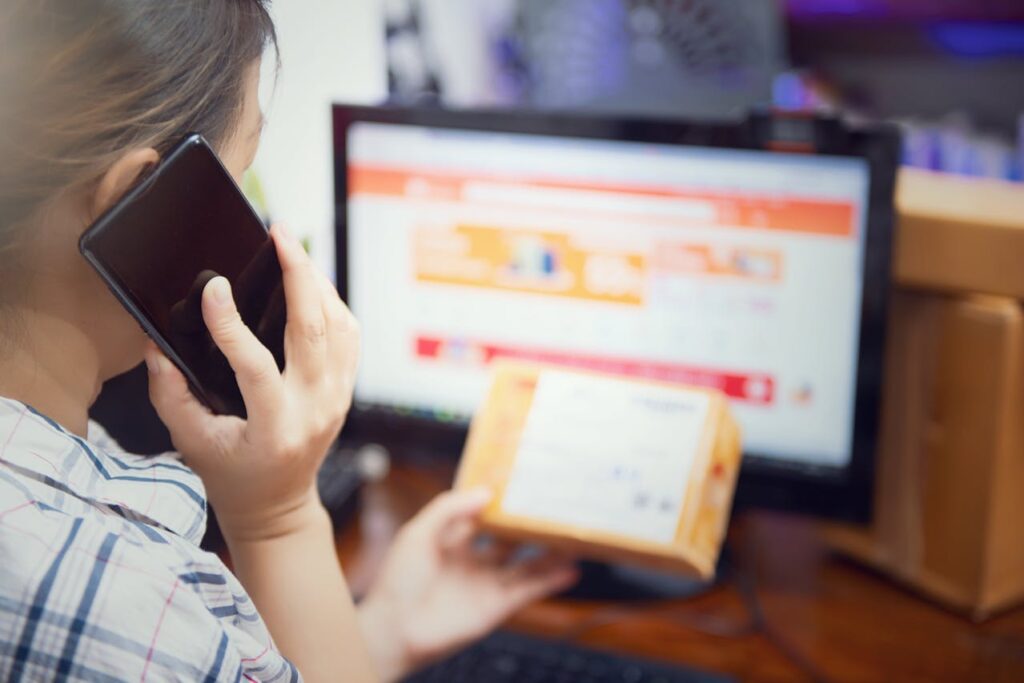
Everyone enjoys finding a good deal. Scammers know this and use it to their advantage. They create fake websites and ads that offer huge discounts on popular items. Everything looks real at first glance. The photos are polished, the prices are tempting, and the checkout process feels normal. But once you enter your payment information, the product never arrives. Before buying anything, take a moment to check reviews of the website. Look up the company name separately and see what others are saying. If the deal feels unusually generous, it is worth being cautious. Saving money should never come at the cost of your security.
6. Turn On Two-Factor Authentication for Extra Protection

Two-factor authentication might sound technical, but it is actually very simple. After entering your password, you receive a code on your phone or email that you must enter to complete the login. This means that even if someone manages to get your password, they still cannot access your account without that second code. It adds a small extra step, but it significantly increases your protection. It is like having a second lock on your door. Once you get used to it, it becomes second nature.
7. Avoid Using Public Wi-Fi for Private Tasks

Free Wi-Fi in coffee shops, airports, and hotels is convenient. It is also less secure than your home network. Hackers can sometimes intercept information on these networks, especially if you are logging into sensitive accounts like banking or email. If you need to handle anything private, it is safer to use your home Wi-Fi or your mobile data connection. If you must use public Wi-Fi, keep your activity limited to browsing or reading. Save important tasks for a more secure connection.
8. Learn How to Recognize a Fake Website
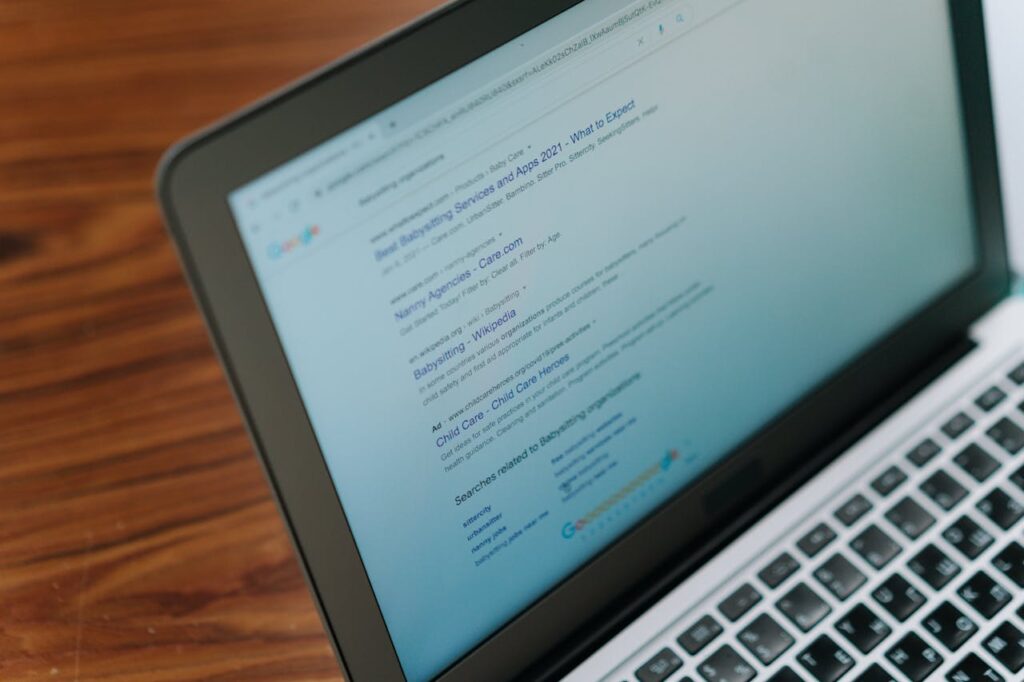
Some fake websites are surprisingly convincing. They copy the look of well-known brands, including logos, colors, and layout. At a quick glance, everything seems legitimate. The difference often lies in small details. The website address might be slightly misspelled or include extra characters. A secure website should start with “https,” which means your connection is encrypted. Take a few seconds to check these details before entering any personal or payment information. It is a simple habit that can prevent a costly mistake.
9. Be Mindful of What You Share on Social Media
Sharing photos and updates online can be a wonderful way to stay connected with friends and family. However, it is easy to forget how much information you are making public. Details like your full birthdate, home address, or travel plans can be used by scammers. Even something as simple as posting that you are away from home can signal an opportunity. Review your privacy settings and limit what strangers can see. Sharing less personal information does not take away from the experience. It simply adds a layer of protection.
10. Slow Down and Trust Your Gut Feeling
This is the habit that ties everything together. Most scams rely on speed. They want you to act before you have time to think. If something feels off, even slightly, take that feeling seriously. Pause and step away for a moment. Talk to a friend or family member if you are unsure. There is no harm in double-checking. In fact, it is one of the smartest things you can do online. Confidence comes from knowing that you do not have to rush into anything.
Final Thoughts

Using the internet should feel empowering, not stressful. It is a tool that brings convenience, connection, and opportunity into everyday life. The goal is not to avoid it, but to use it with awareness and confidence.
These tips are not about turning you into a cybersecurity expert. They are about building small, reliable habits that protect you without getting in the way of your daily routine. Even applying just a few of them can make a noticeable difference. Over time, these habits become automatic, and you start to recognize what is safe and what deserves a second look.
What matters most is your mindset. Stay curious, stay cautious, and give yourself permission to slow down whenever something does not feel right. The internet is constantly changing, but the basics of staying safe remain the same. Be thoughtful, be aware, and trust that you are capable of navigating this space wisely.
At the end of the day, safety online is not about fear. It is about confidence. And that confidence grows every time you choose to pause, check, and make a smart decision before you click.
Leave a Reply