Make Everyday Life Easier with These 6 Time-Saving Apps for Boomers

There comes a point where you start to value your time a little differently. Long lines at the grocery store feel longer. Trying to remember every appointment becomes more frustrating than it should be. And let’s be real, keeping track of bills, medications, and family plans can feel like juggling too many things at once.
Here’s the good news. You do not have to do everything the hard way anymore.
Technology has quietly evolved to become more helpful, more intuitive, and much less intimidating than it used to be. You do not need to be “good with gadgets” to benefit from it. In fact, many apps today are designed specifically to make everyday life smoother for people who just want things to work without complications.
This is not about becoming glued to your phone. It is about using a few simple tools that save you time, reduce stress, and help you stay in control of your day.
Below are six apps that do exactly that. They are practical, easy to learn, and actually useful in real life.
1. Google Calendar
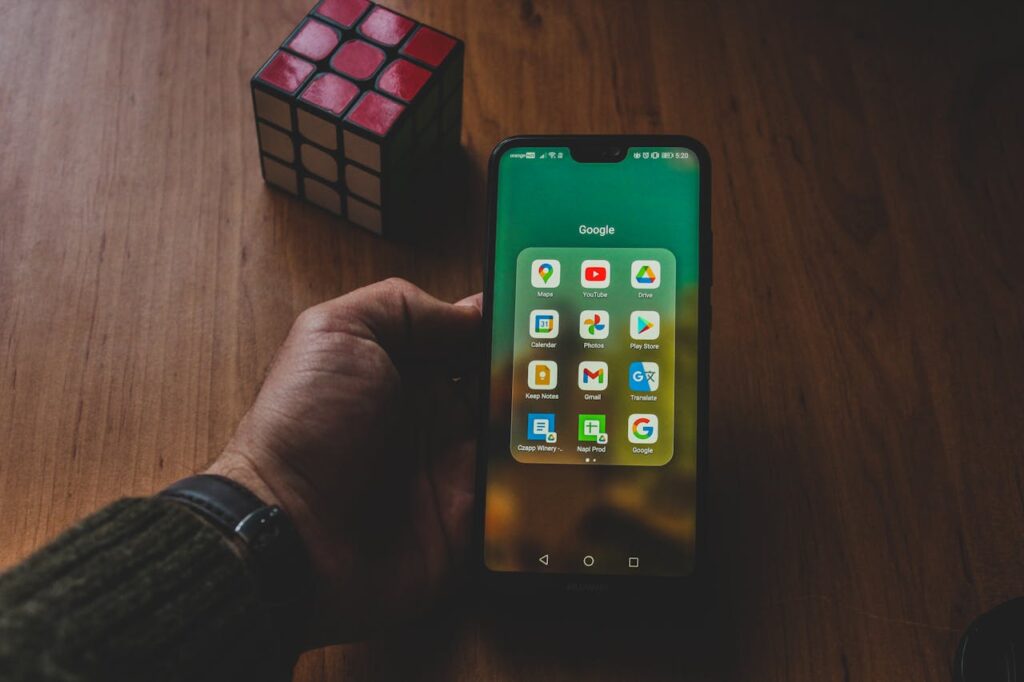
If you have ever forgotten an appointment or double-booked your day, you already understand how helpful a digital calendar can be. Google Calendar acts like a quiet assistant that keeps your schedule organized without demanding too much attention.
You can add doctor visits, birthdays, bill due dates, and even small reminders like calling a friend or taking out the trash. Once everything is in place, the app gently notifies you ahead of time, so nothing catches you off guard. What makes it especially useful is how easy it is to adjust. Plans change, and with a few taps, your calendar updates instantly.
One feature many people enjoy is the ability to use colors for different types of activities. For example, you might use one color for family events and another for personal errands. This makes your day easier to understand at a glance.
Another underrated benefit is sharing. You can connect your calendar with family members, which helps everyone stay on the same page. No more constant phone calls asking, “What are you doing this weekend?”
It is simple, dependable, and once it becomes part of your routine, it saves you more time than you expect.
2. Medisafe

Managing medications can quickly become confusing, especially when you have more than one prescription. Different times, different dosages, and sometimes different instructions. It is a lot to keep track of.
Medisafe steps in to make this part of your life easier and safer.
The app reminds you exactly when it is time to take your medication. Not in a loud or stressful way, but with gentle notifications that keep you on track. You can confirm each dose with a simple tap, which gives you peace of mind that nothing was missed.
One of its most helpful features is the option to connect with a family member or caregiver. If you forget to take your medication, the app can notify someone you trust. That extra layer of support can be incredibly reassuring.
It also helps you organize your medications clearly, so you always know what you are taking and when. Over time, this reduces mistakes and builds confidence in managing your health.
Think of it as a reliable partner that quietly supports your daily routine without making things complicated.
3. Mint

Money management used to mean stacks of receipts, handwritten notes, and a lot of guesswork. Today, it does not have to be that way.
Mint brings all your financial information into one simple place. Once you connect your accounts, you can see your balances, recent transactions, and upcoming bills in a clear and easy-to-read format.
What makes Mint especially helpful is how it breaks things down for you. It shows where your money is going, whether it is groceries, utilities, or entertainment. This makes it easier to spot patterns and adjust your spending if needed.
The app also sends reminders when bills are due, helping you avoid late fees. You can even set basic budgets, not in a strict or overwhelming way, but as a gentle guide to keep things balanced.
You do not need to be a financial expert to use it. It is designed for everyday people who simply want a clearer picture of their money. And that clarity alone can reduce a lot of stress.
4. Instacart

Grocery shopping sounds simple, but it often takes more time and energy than expected. Driving to the store, walking through aisles, waiting in line, and carrying everything back home can turn into a full afternoon task.
Instacart offers a different approach.
With this app, you can shop for groceries from your phone while sitting comfortably at home. You browse items, add them to your cart, and choose a delivery time that fits your schedule. Someone else handles the shopping and brings everything to your door.
What makes this experience feel personal is the flexibility. You can choose your favorite brands, request specific items, and even communicate with your shopper if something is out of stock. It does not feel like giving up control. It feels like getting help.
For those with busy schedules, limited mobility, or simply a desire to avoid crowded stores, this app can make a big difference. It turns a time-consuming chore into something quick and manageable.
5. Zoom

Staying connected with people you care about is one of the most important parts of daily life. But distance, busy schedules, and unexpected situations can make in-person visits difficult.
Zoom helps close that gap.
With just a few taps, you can have a face-to-face conversation with family and friends, no matter where they are. It is not just about hearing their voice. Seeing their expressions, their smiles, and their reactions makes the experience feel real and meaningful.
The app is commonly used for family catch-ups, virtual celebrations, and even community events or classes. Many people also use it to stay involved in hobbies, church groups, or learning opportunities.
What surprises most new users is how simple it is. In many cases, you just click a link and you are in. No complicated setup required.
It is a reminder that technology, when used well, can bring people closer instead of creating distance.
6. Google Keep

Sometimes, the smallest problems are the ones that trip us up the most. Forgetting a grocery item, losing a phone number, or misplacing a quick reminder can be surprisingly frustrating.
Google Keep is designed to solve exactly those everyday moments.
It works like a digital notebook where you can quickly jot down anything you want to remember. A shopping list, a reminder, an idea, or even a short message to yourself. Everything is stored neatly in one place.
What makes it especially useful is how fast it is. You open the app, type your note, and you are done. No complicated steps, no unnecessary features.
You can also set reminders for specific notes, which turns them into simple action points. For example, you can create a grocery list and have it pop up when you are near a store.
It is a small tool, but it solves real problems in a practical way. And sometimes, that is exactly what you need.
Final Thoughts

Life does not come with a pause button. There will always be errands to run, responsibilities to handle, and things to remember. But that does not mean everything has to feel overwhelming.
The right tools can quietly take some of that weight off your shoulders.
What makes these apps stand out is not just their features, but how naturally they fit into everyday life. They do not demand hours of learning or constant attention. Instead, they work in the background, helping you stay organized, connected, and in control.
Maybe it is remembering appointments without stress. Maybe it is managing your finances with more clarity. Or maybe it is simply saving time on routine tasks so you can spend more moments doing things you actually enjoy.
You do not need to use all six apps at once. Start with one that solves a real problem in your day. Get comfortable with it. Let it become part of your routine. Then, if you feel like it, explore another.
Over time, these small changes add up.
And that is really what this is about. Not changing your life overnight, but making it a little easier, a little smoother, and a lot more manageable one step at a time.
Leave a Reply